Huawei NAT Configuration
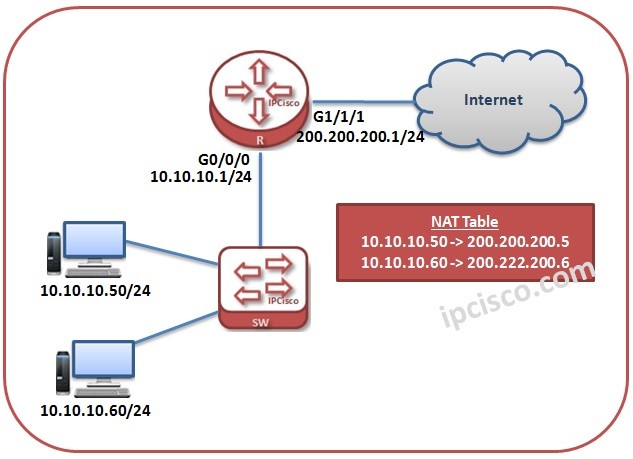
NAT (Network Address Translation) is a concept used to translate Private block IP addresses to the Public IP Addresses. By doing this, it provides internet connection to the devices that has Private Blcok IP Addresses. In this lesson we will learn Huawei NAT Configuration. Here, NAT is a general used name. There are different types of NAT. These types are : Static NAT maps one-to-one , one Private IP to a one Public IP. This is sued to protect the device inside the network generally. But it is not an effective IP usage. Dynamic NAT maps many-to-many. Devices in the network has Private IPs and these IPs can map to the Public IPs in a predefined IP Pool. Here, the Public IPs are used if they are needed, so it is an efficient solution. PAT provide mapping with different Port numbers. Devices in the network can be mapped to one Public IP, with their Private IP addresses and a different Port number. This is a very efficient way. Now, let’s see the Huawei configuration of these NAT types one by one.You can download this configuration on Huawei eNSP Labs Page.
Static NAT
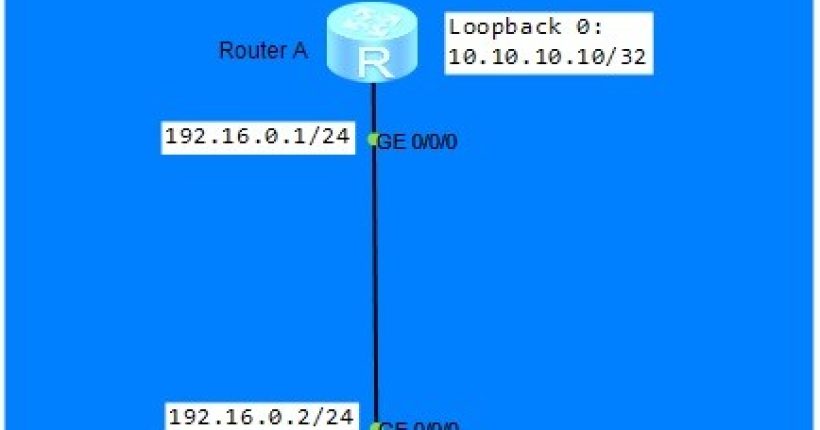
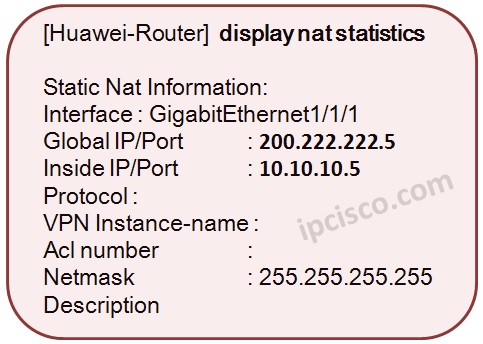
In this first NAT configuration example, we will focus on Static NAT Configuration on Huawei Routers. As we have explained above, Static NAT is configured as one to one. We will translate one Private IP Address to one Public IP Address. For our Huawei Static NAT Configuration Example, we will use the below topology.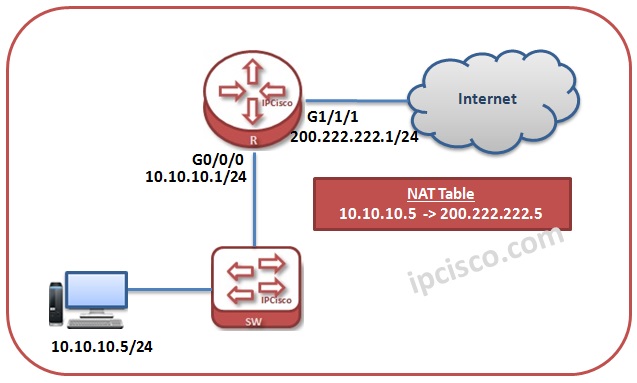
Dynamic NAT
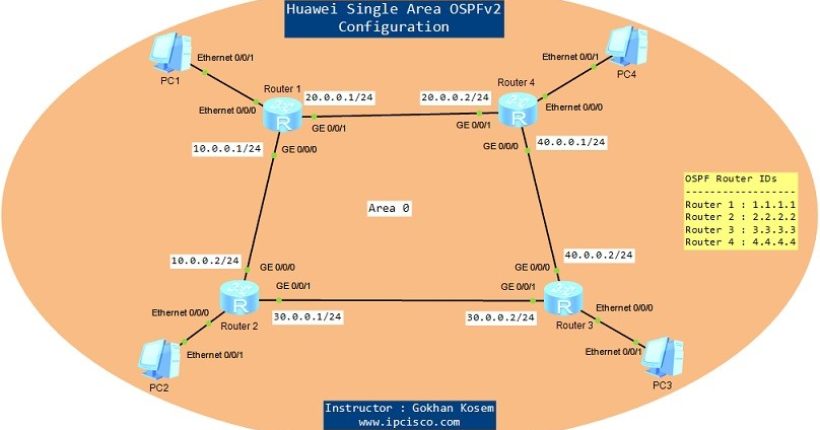
The second NAT Configuration example is Dynamic NAT Configuration. AS we exmplained before, Dynamic NAT uses a predefined IP Pool and provide IP map according to these IP Pool if there is a need. For our Dynamic NAT Configuration Example, we will use the below topology.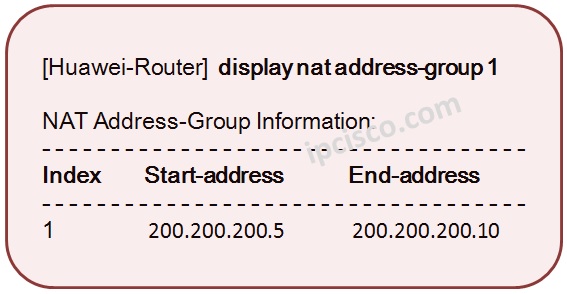
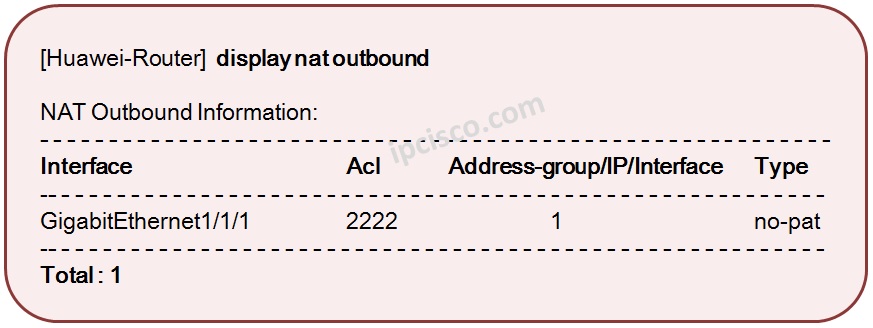 By the way, in this article we will not show the configuration of PAT (Port Address Translation) Because only a key word effect this. If you do not use “no-pat” command at the above configuration, you can configure PAT in the same configuration.
In Cisco we use, “overload” command for PAT. If you do not use this keyword then, it is becoming pure Dynamic NAT. This is reverse in Huawei.
By the way, in this article we will not show the configuration of PAT (Port Address Translation) Because only a key word effect this. If you do not use “no-pat” command at the above configuration, you can configure PAT in the same configuration.
In Cisco we use, “overload” command for PAT. If you do not use this keyword then, it is becoming pure Dynamic NAT. This is reverse in Huawei.
You can download this configuration on Huawei eNSP Labs Page.
[sc name=”ContentRMessage”]