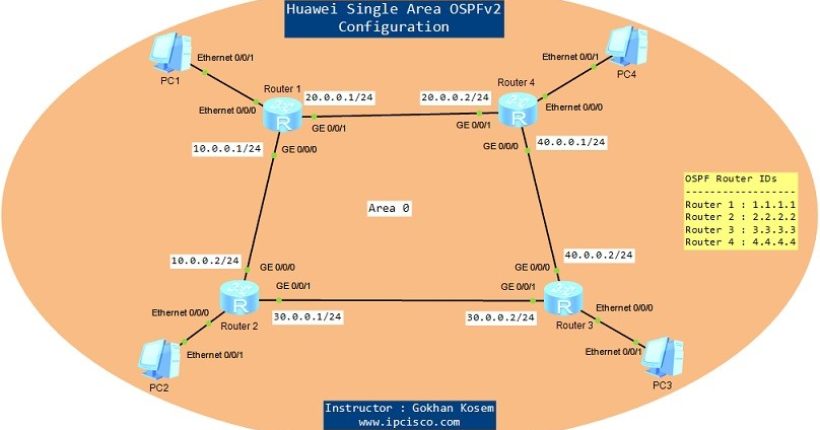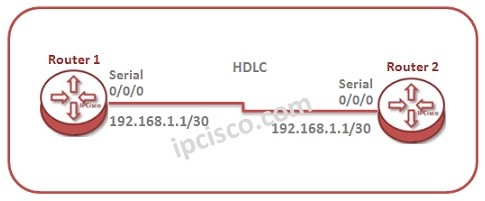
In this lesson, we will talk about HDLC configuration on Huawei Routers. For our HDLC Configuration example, we will use the below basic topology:
Orderly, we will do the below configuration for our HDLC Configuration Example:
1) Enabling HDLC
2) Verifying HDLC
Let’s start to configure HDLC for this topology.
Orderly, we will do the below configuration for our HDLC Configuration Example:
1) Enabling HDLC
2) Verifying HDLC
Let’s start to configure HDLC for this topology.
You can download this configuration on Huawei eNSP Labs Page.
Enabling HDLC
In this basic HDLC Configuration Example, firstly we will configure the serial interfaces to use HDLC. After that, we will assign the ip address of this interface with its subnet mask. We will do this configuration on Router 1 firstly. system-view [Huawei-Router-1] interface Serial 0/0/0 [Huawei-Router-1-Serial0/0/0] link-protocol-hdlc Warning : The encapsulation protocol of the link will be changed Continue? [Y/N] : y [Huawei-Router-1-Serial0/0/0] ip address 192.168.1.1 30 [Huawei-Router-1-Serial0/0/0] quit Now, let’s configure Router 2 like above. [sc name=”ContentRMessage”]